

Mallorca Outdoor map explained
How to read our MT Outdoor map
The symbols used on our MT Outdoor Map have been specifically optimized for hiking on Mallorca. Some map elements intentionally differ from those found on conventional road maps in order to make paths, orientation points and terrain features easier to recognize. All information is based on data from OpenStreetMap ( OSM).
THE MOST IMPORTANT SYMBOLS ON OUR MALLORCA MAP

Your Track
The red line shows the route of the described hike.

Standard Parking Area
A white „P“ on a blue background indicates a parking area.

Roadside Parking
An additional horizontal bar beneath the „P“ indicates parking along the roadside.

Private Parking Area
If the symbol appears faded, the parking area is not publicly accessible.

Natural Drinking Water Spring
A white water drop on a dark blue background indicates a natural water source that is tagged in OSM as drinking water. Water quality may change at any time.

Natural Water Spring
This symbol indicates a natural water source whose quality is unknown or which is explicitly not marked as drinking water.

Artificial Drinking Water Source
The blue tap with cup symbol represents an artificial drinking water source, for example a fountain or water tap.

Mountain Hut without Services
Mountain huts without services are represented by the building symbol with a chimney. Basic shelter may be available, but no catering or accommodation services are provided.

Mountain Hut with Services
Mountain huts with services are represented by the building symbol with a person inside. In addition to accommodation, a simple restaurant or refreshment stop is often available.

Summit
A white triangle on a dark background marks a mountain summit.

Mountain Pass
Two opposing brackets indicate a mountain pass.

Viewpoint
The camera symbol indicates viewpoints and photo locations.

Gate (with or without Access Restriction)
Two vertical brown lines connected by diagonal and horizontal bars indicate a gate, which may be locked or closed.

Cave
Two black arches indicate a cave entrance.
UNDERSTANDING HIKING PATHS AND ROADS ON THE MALLORCA MAP

Public Hiking Path
Hiking paths are shown as yellow lines with a fine brown ladder-style pattern. These paths are generally up to about 2 metres wide. In mountainous terrain the paths are usually difficult to see.

Private Hiking Path
Hiking trails marked as “private” on OSM are displayed with a red grid pattern instead of a brown one.

Public Hiking Track
Hiking tracks are shown slightly wider than hiking paths, and their brown hatching is coarser and the lines thicker. The finer the hatching, the worse the trail conditions.

Private Hiking Track
As with hiking paths, the red grid indicates that access is private.

Hiking Track with Firm Surface
Hiking tracks without the ladder-style pattern generally have a firm surface.

Minor Roads
White roads represent roads that are open to motorized traffic. The width of the road determines whether it is classified as a minor or major road. Many paved „camís“ on Mallorca belong to this category.

Major Roads
Major roads such as regional roads, national roads, expressways and motorways are displayed in colour.
UNDERSTANDING THE TERRAIN ON THE MALLORCA MAP

Hillshade
We use hillshading to make terrain features easier to understand visually. It helps to identify ridges, valleys, cliffs and slopes more clearly.

Contour Lines
We have added contour lines to improve terrain interpretation. Every 50 metres above sea level, the elevation is labelled. Additional unlabeled contour lines are placed at 10-metre intervals. The closer the contour lines are to each other, the steeper the terrain.

Tree Line
Transitions from green to grey indicate the tree line. The grey mountain areas are generally exposed to full sunlight.
UNDERSTANDING THE WEATHER OVERLAYS ON THE MALLORCA MAP
(Please also see the FAQ about weather visualisation on our tour pages and maps!)
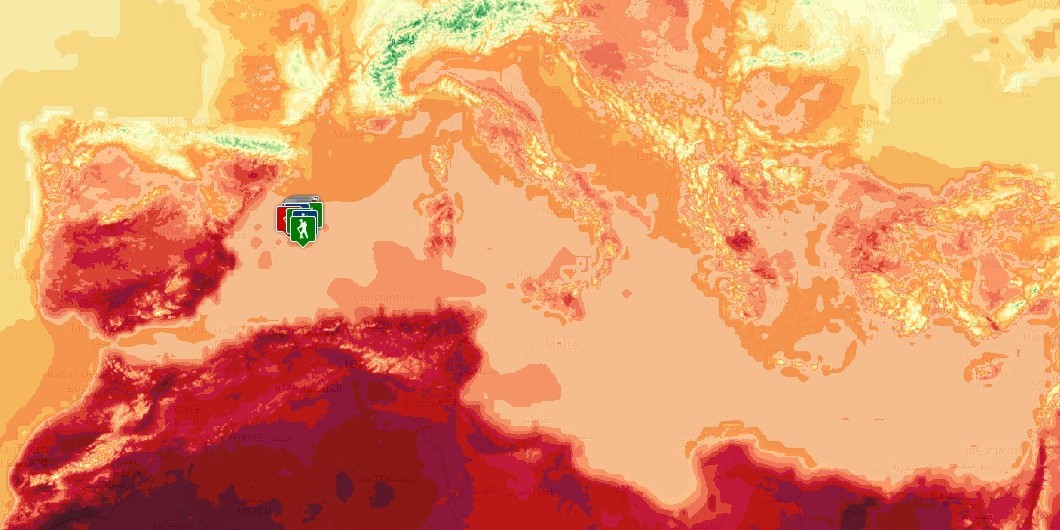
Temperature
This overlay shows the temperature distribution for the selected time (current conditions or forecast).
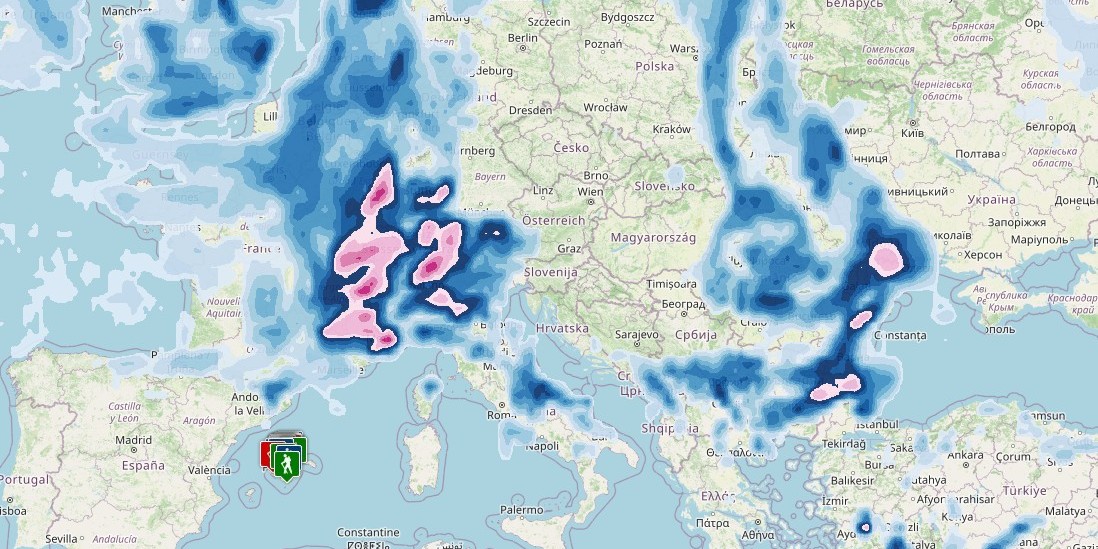
Precipitation
This overlay shows the cumulative precipitation during the previous three hours for the selected time (current conditions or forecast).
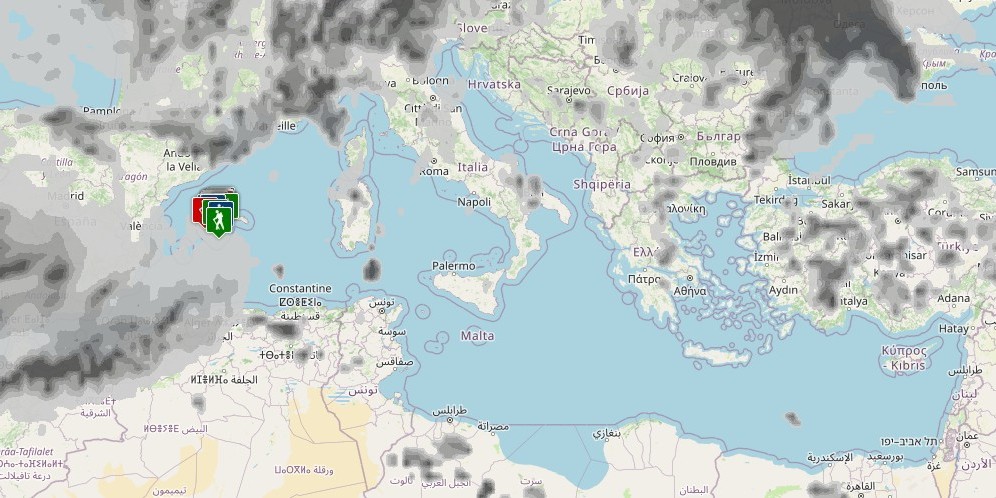
Cloud Cover
This overlay shows the cloud cover for the selected time (current conditions or forecast).